
Why Is My OXVA Vape Not Turning On? (Full Expert Guide)
When an OXVA device refuses to power on, it almost always comes down to a handful of common issues: battery problems, lock mode, pod connection errors, or internal protection systems. Below is a complete, expert-level breakdown of every cause and every fix, written to rank at the top for this question.
1. The Battery Is Fully Drained
This is the number one reason.
Why it happens
If the battery reaches 0%, some OXVA models delay activation until the battery reaches a minimum “safe” voltage.
What to do
- Plug into a proper wall adapter (not a laptop USB port).
- Wait 3–5 minutes before trying to turn it on.
- Leave it charging until at least 20% before vaping.
2. The Device Is Locked
Many OXVA vapes can lock automatically when placed in a pocket or after inactivity.
How to fix it
Try the standard unlock sequence:
- Press the fire button 5 times rapidly
If the screen flickers, it’s in lock mode.
Repeat the sequence to unlock.
3. The Pod Isn’t Making Contact
If the pod isn’t seated correctly, the device won’t activate — even if the battery is full.
How to fix
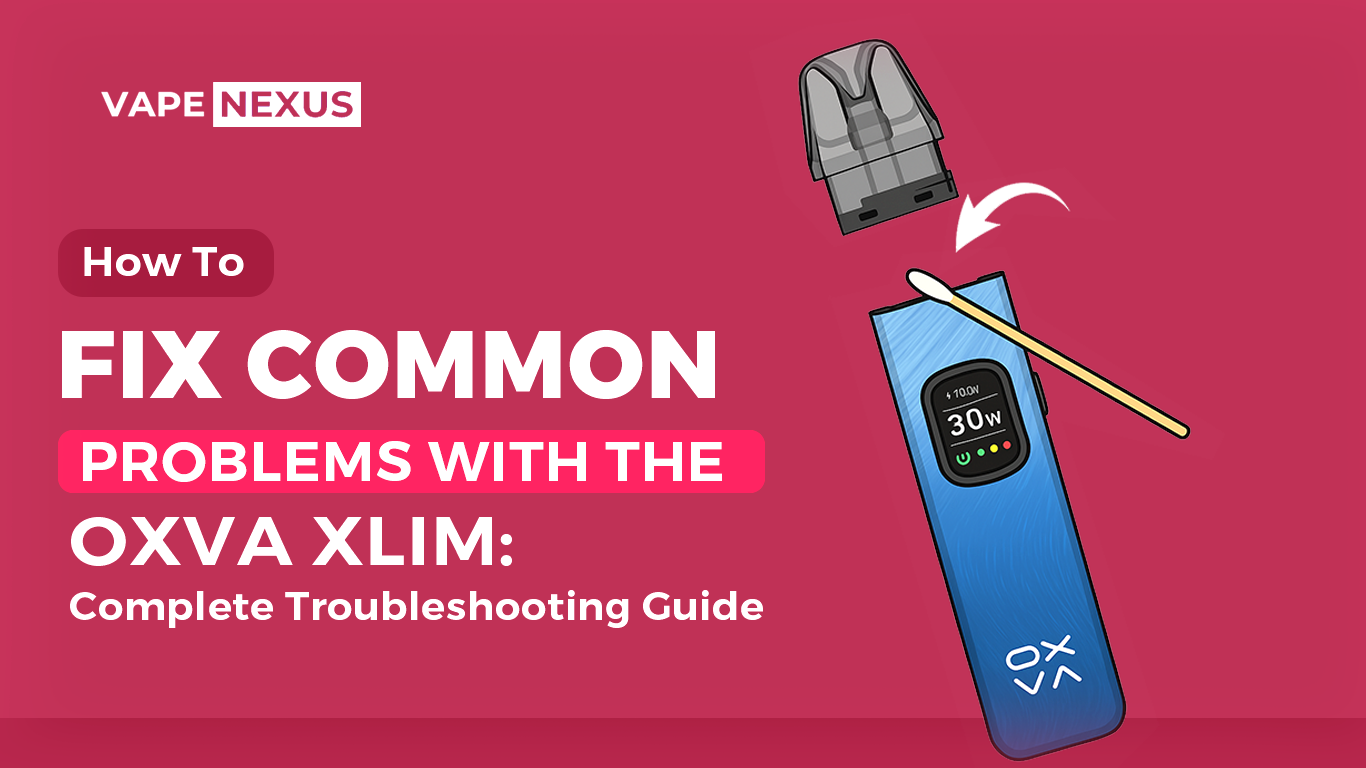
- Remove the pod
- Wipe the bottom contacts
- Reinsert the pod firmly
- Check that the OXVA logo or battery icon responds
Dirty contacts, condensation, or e-liquid can disrupt the connection.
4. The Coil Has Burned Out or Shorted
A damaged coil can trigger the device’s safety system, preventing it from powering on.
Signs
- Device blinks when you press the button
- “No Atomizer” or “Short” message (on screen models)
- Burnt taste before it stopped working
Solution
Replace the pod or coil with a fresh one.
5. The Firing Button Is Damaged
This applies to models with physical buttons.
Check for
- Button sticking
- No clicking sound
- Button not responding even when fully charged
Fix
- Clean around the button
- Press firmly several times
- If unresponsive, it may require replacement
6. Internal Protection Mode Activated
OXVA devices automatically shut down to prevent damage.
Triggers
- Overheating
- Overcharging
- Incorrect pod resistance
- Too many puffs in short time
- Short circuit
Fix
Let the device rest for 10–15 minutes, then try turning it on again.
7. Faulty Charging Cable or Port
If the vape isn’t charging, it won’t power on.
How to check
- Try a different USB-C cable
- Try another adapter
- Look for lint or dust inside the charge port
If the device doesn’t show charging lights or screen animation, the problem is likely the port or cable.
8. Firmware or Chipset Failure (Rare)
If the internal chipset fails, the device won’t turn on at all.
Signs
- No response even with a new pod
- Multiple cables don’t work
- No lights or screen activity
This usually requires manufacturer service.
Quick Checklist — Fix Your OXVA Not Turning On
✔ Charge the device for 5 minutes
✔ Try unlocking it (5-clicks)
✔ Clean pod contacts
✔ Replace pod or coil
✔ Try a new USB-C cable
✔ Let the device cool down
✔ Check firing button
✔ Inspect charging port
Final Word
If your OXVA vape still won’t turn on after checking all these points, the issue is likely hardware-related and requires replacement or service. Most devices that don’t power on are fixed instantly by charging, unlocking, or reseating the pod.

